Editorial note: this is a research-based assessment of the named model. We have not performed hands-on testing, listening tests or battery benchmarks.
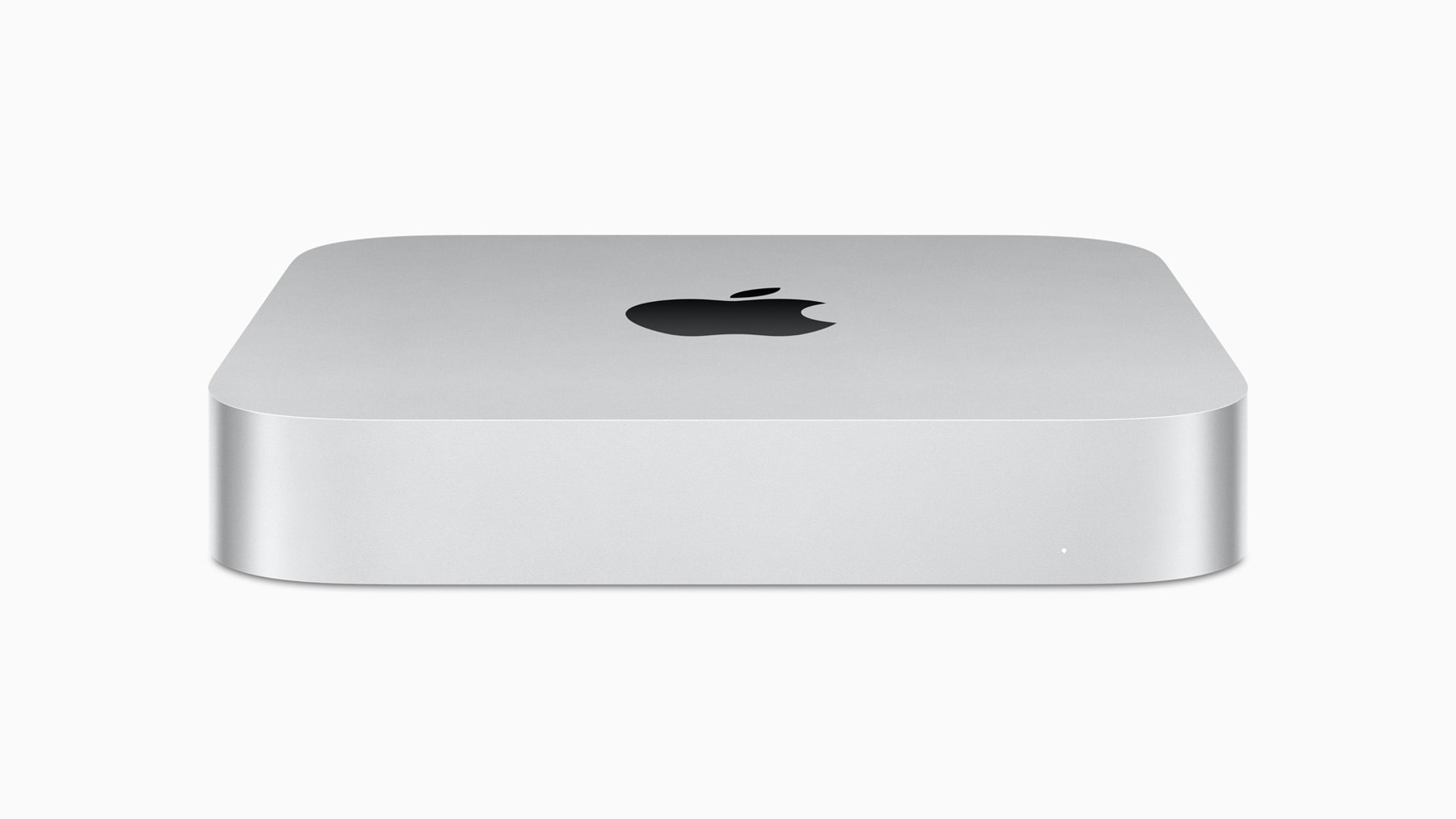
The Mac mini is easier to understand as the centre of a setup than as a complete computer purchase. It leaves the display and accessories to you. That flexibility is valuable for an existing desk, but it makes the advertised price an incomplete guide to what a new workspace will cost.
A small machine for an existing desk
The enclosure takes little desk space and can sit beside a monitor without dictating the rest of the room. Apple’s 2023 line included M2 and M2 Pro versions, so the model name alone does not identify the connections. This review focuses on the standard M2 version. Check the exact listing when buying second-hand.
Reusing a good monitor, keyboard and mouse is the strongest reason to consider this format. If you need to buy all three, compare the complete package with an all-in-one or a laptop and dock. Include a webcam, speakers and cables if your work depends on calls.
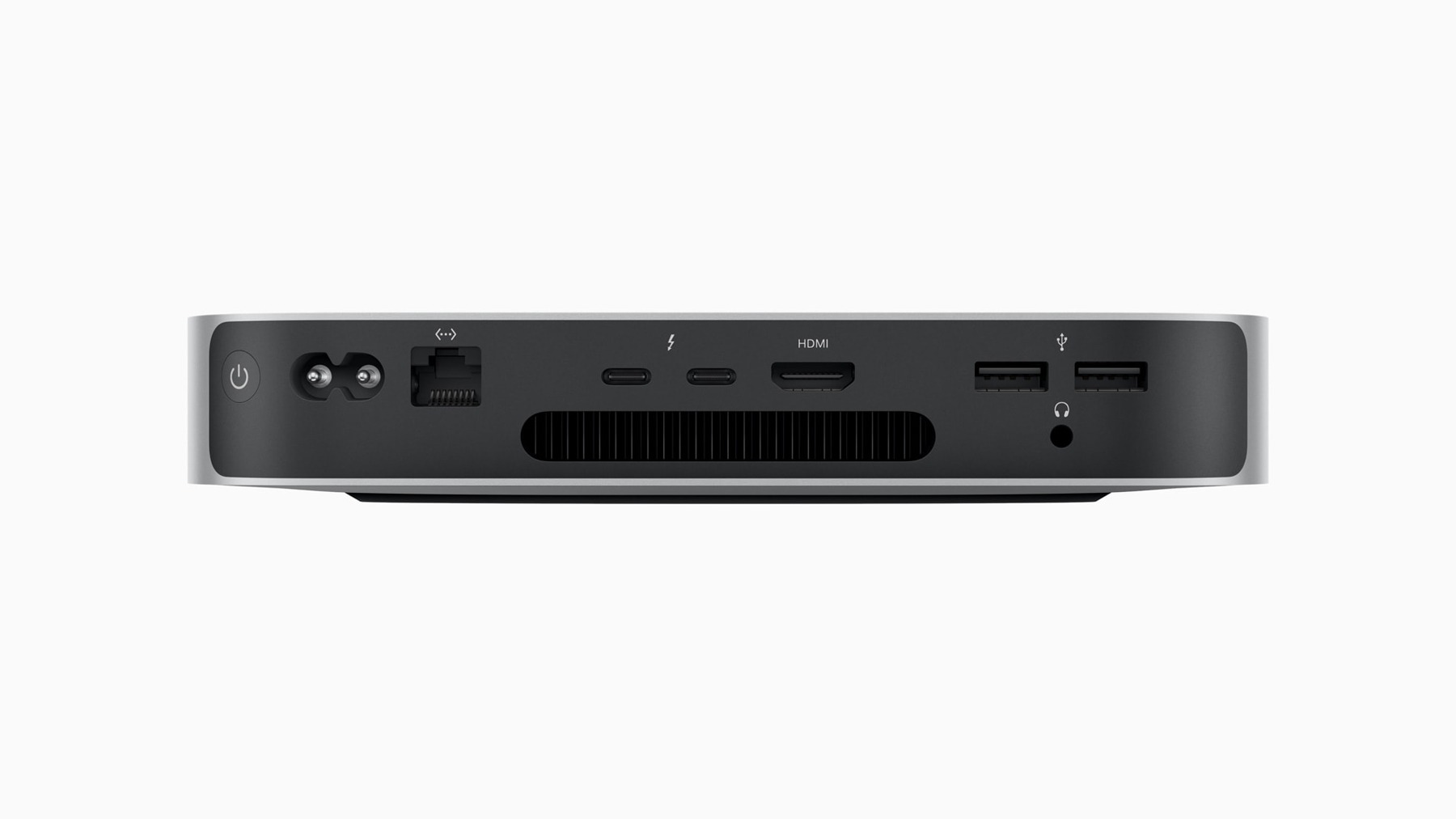
Configuration before checkout
The standard M2 model has two Thunderbolt 4 ports, two USB-A ports, HDMI and Ethernet. That mix accommodates older desk accessories alongside newer storage. Port counts are only part of the story: confirm the supported resolutions and refresh rates for your particular monitors.
Choose memory and storage for the applications you intend to keep using. They are not conventional user-upgradeable components. External storage expands file space, but it does not replace adequate working memory. Keep a separate backup even when you mainly use cloud services.
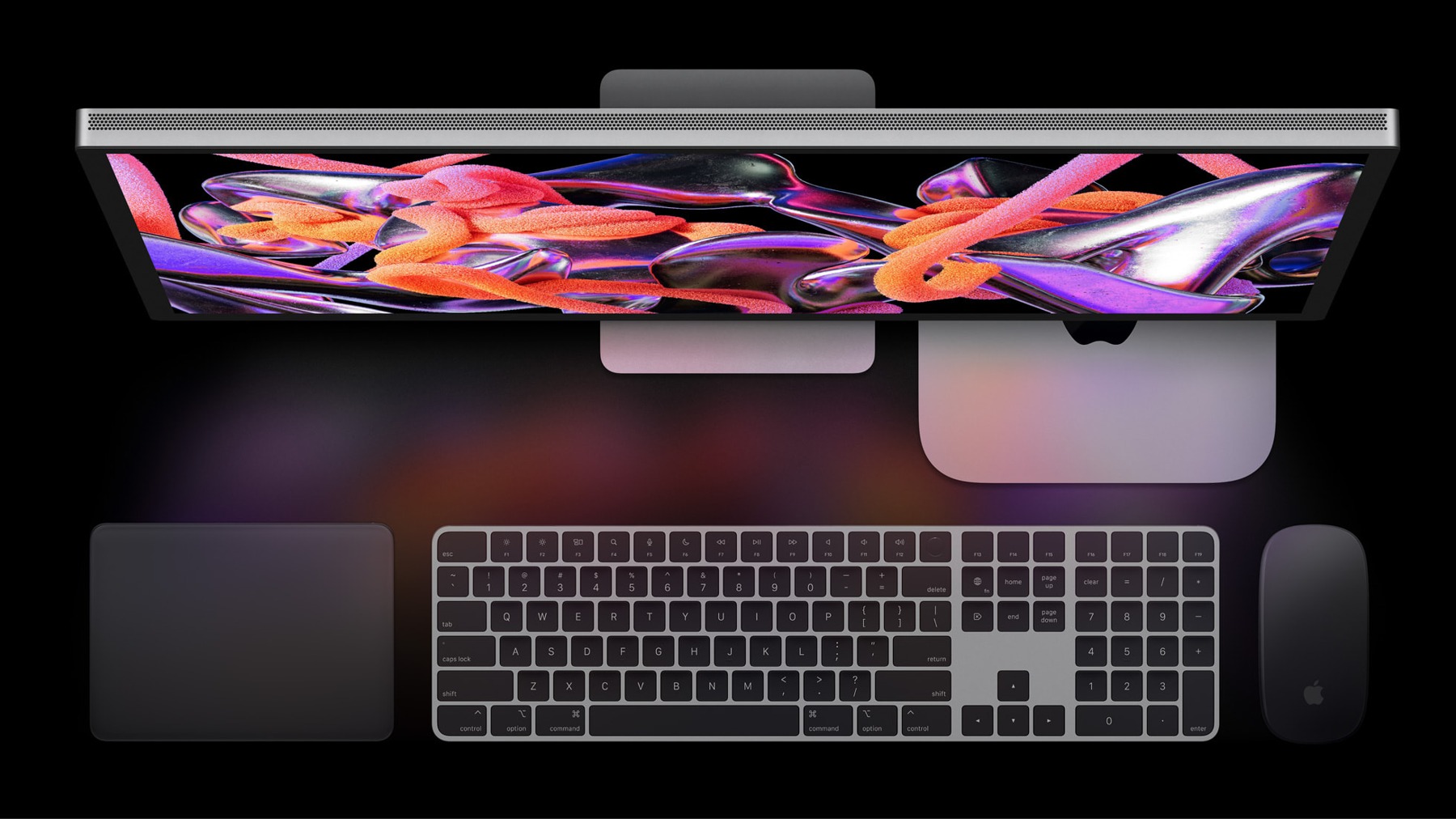
Value beyond the first impression
An older mini should earn its place through the full purchase price and condition, not simply its size. Compare used and refurbished offers with newer desktops of similar usable specifications. Ask whether the seller includes a power cable, a clear warranty and a return period.
For a shared family desk, make individual user accounts and a backup plan part of setup. A compact computer becomes easier to live with when files, peripherals and recovery are arranged thoughtfully. None of that requires buying the most expensive configuration.

Pros
- Compact enclosure suits a permanent desk
- Useful mix of older and newer connections
- Can reuse an existing display and accessories
Cons
- Display and input devices cost extra
- No conventional memory upgrade path
- M2 and M2 Pro listings can be confused
Who should buy it?
Home-office users who already own a display and want a stationary Mac for compatible everyday applications.
The conclusion
Our take
Most convincing when it completes a desk you already have. Count every accessory, identify the exact configuration and compare current alternatives before deciding that compact also means inexpensive.
Sources & credits
Model context: manufacturer documentation and launch material. Checked November 18, 2026. Launch information is historical; availability, support and prices may change.
Full image attribution and sources. Images show the named model or relevant accessories; lifestyle and internal views are captioned.