Editorial note: this is a research-based assessment of the named model. We have not performed hands-on testing, listening tests or battery benchmarks.
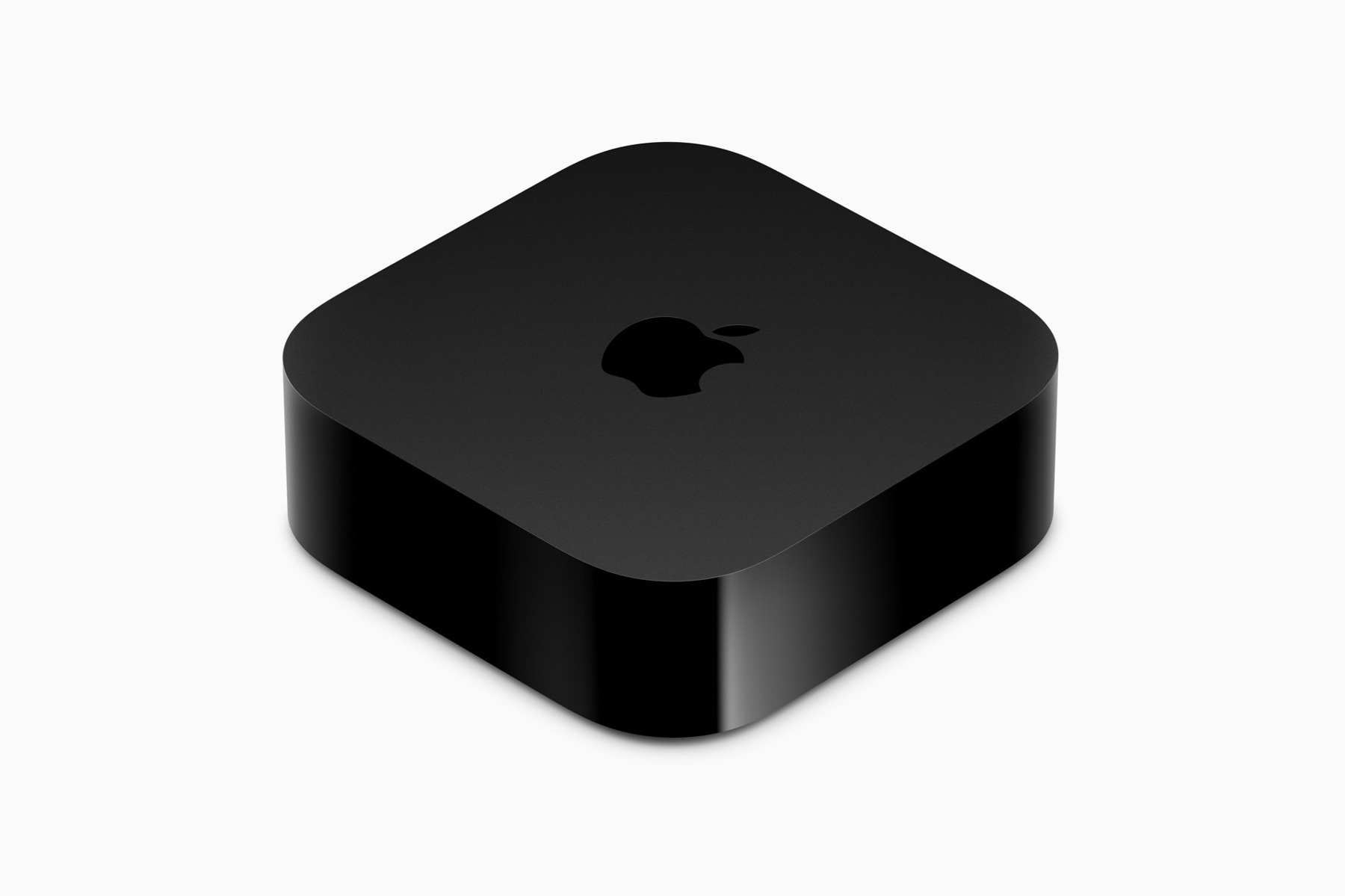
A streaming box should make the television easier to use. The 2022 Apple TV 4K offers a compact route into Apple’s television platform, but the two configurations differ in more than storage. Understanding that distinction matters more than choosing the cheapest listing. This article covers the 2022 generation, not the latest model.
Two configurations, different jobs
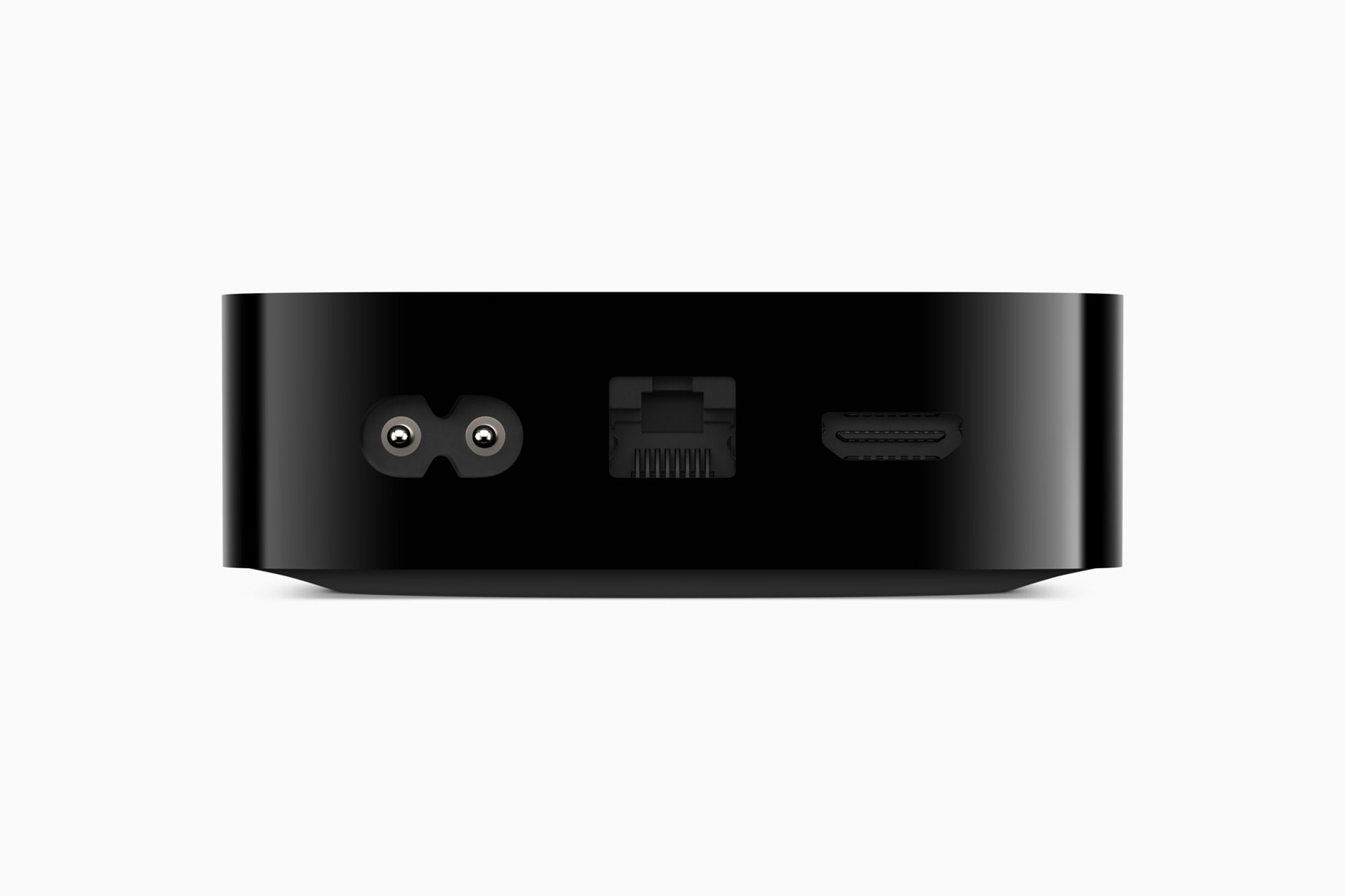
The 2022 Wi-Fi + Ethernet version includes wired networking and Thread support; the Wi-Fi version does not offer the same connections. Check the exact model if you intend to use compatible Thread accessories or a network cable. Storage capacity is not a safe shortcut across different product generations.
A network cable is convenient when the television is near a router or wired socket. In another room, Wi-Fi may be the practical choice. Think about how the box will actually be installed rather than treating an unused feature as an automatic benefit.
Remote, television and services
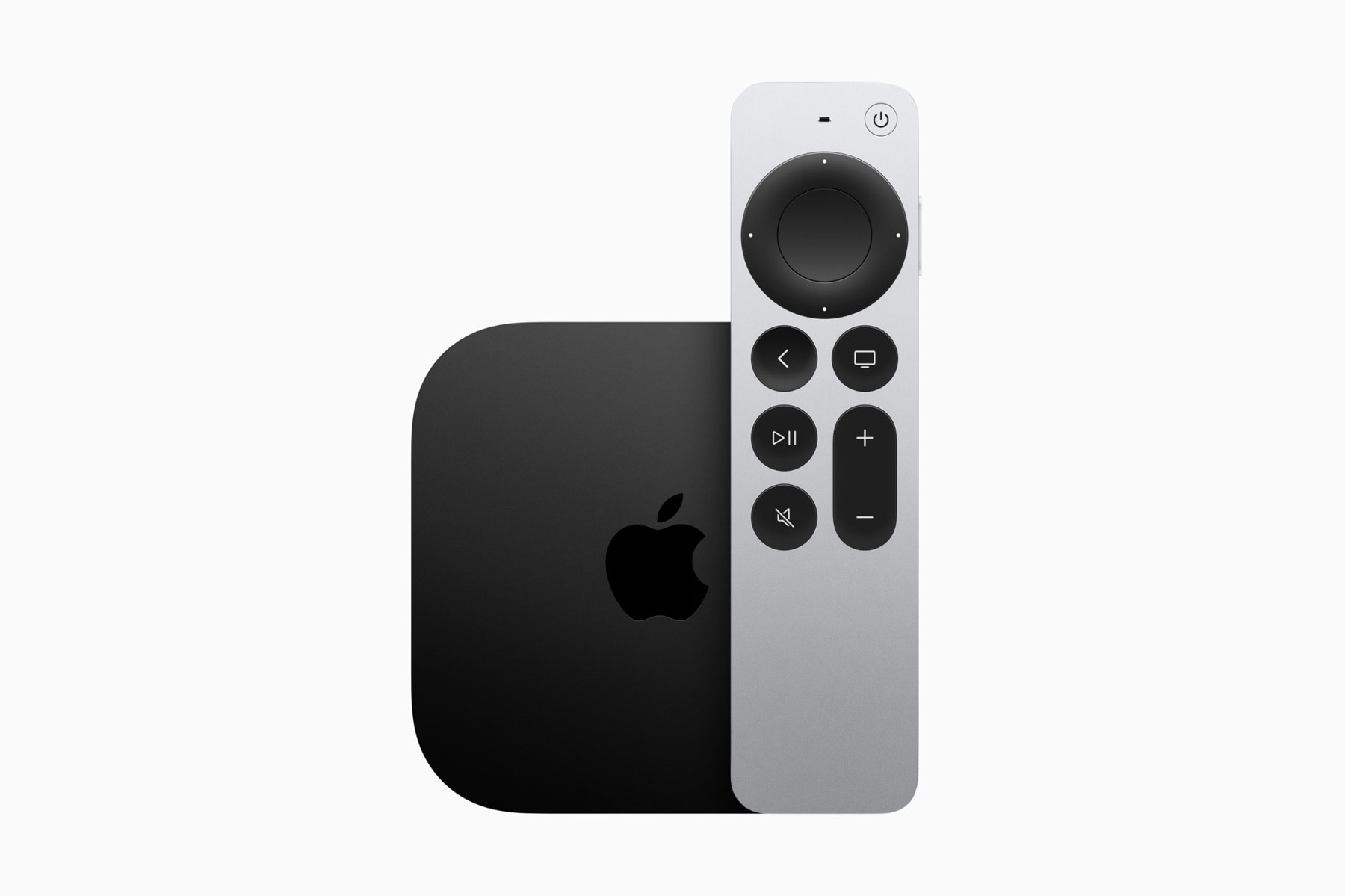
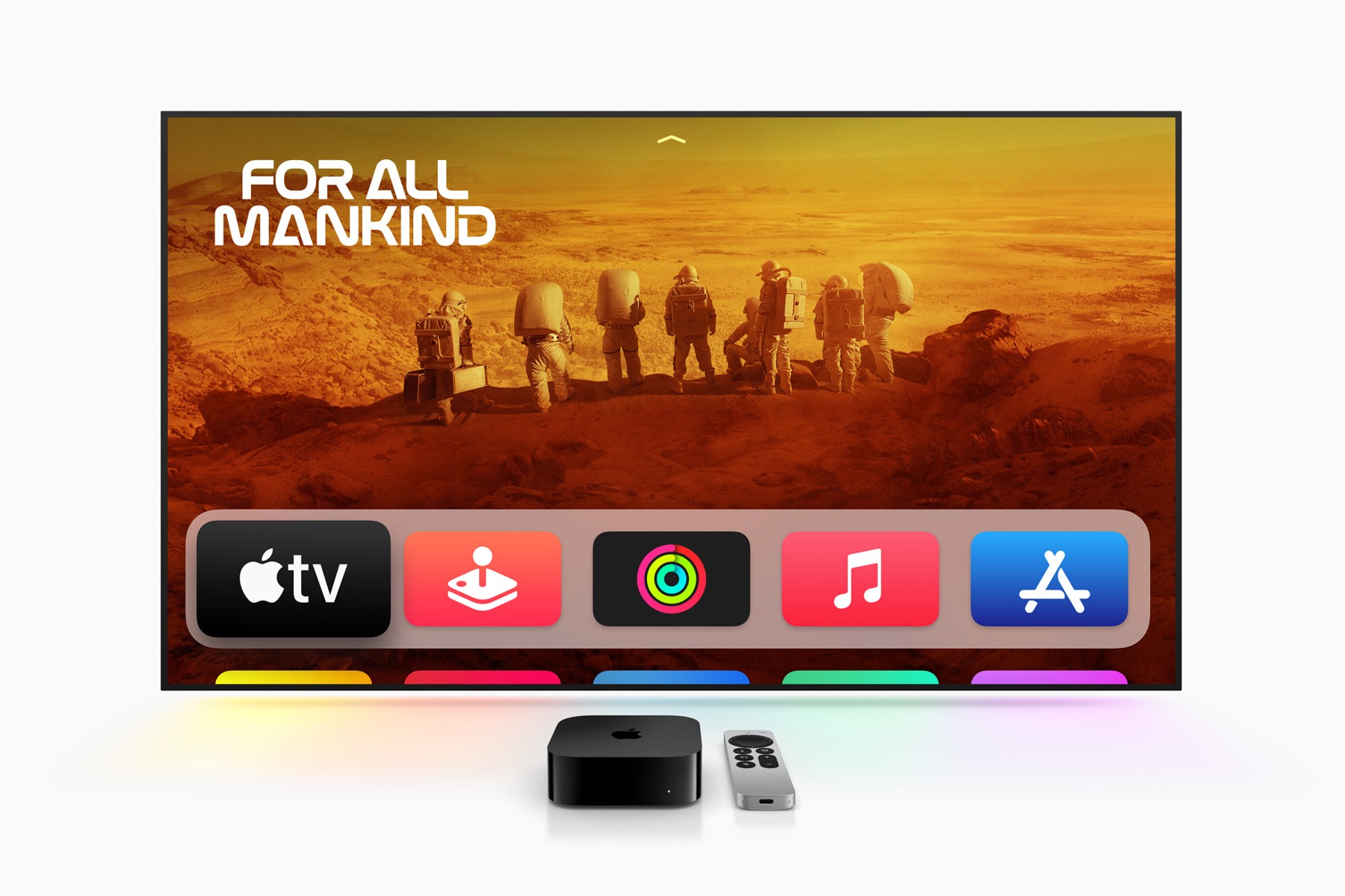
The included Siri Remote uses USB-C charging. A dedicated physical remote can suit a shared living room, but everyone should be able to use the essential functions without a phone. Plan where charging happens and keep a suitable cable accessible.
Picture and audio features depend on the television, receiver, cables, app and content. A feature on the box is one part of that chain. Before replacing a working streamer, identify a specific improvement and verify that your existing equipment can take advantage of it.
What an older streamer costs
The hardware price is not the subscription budget. Streaming services, rentals and paid apps are separate decisions. Begin with the services your household already uses and check local app availability. A polished interface has little value if it cannot run your preferred service.
For a used box, verify generation, configuration, remote and power cable. Ask about returns and compare the full package with current alternatives. If your television’s built-in apps already meet your needs, keeping the existing setup can be the most sensible purchase decision.
Pros
- Dedicated remote with USB-C charging
- Wired networking on the appropriate configuration
- Compatible connected-home functions
Cons
- Ethernet and Thread depend on configuration
- Services and subscriptions cost extra
- May duplicate existing television functions
Who should buy it?
Viewers who want the Apple television platform and have checked network, app and home-control requirements.
The conclusion
Our take
Worth considering when it solves a specific interface or compatibility problem. Identify the configuration carefully and count ongoing service costs alongside the hardware.
Sources & credits
Model context: manufacturer documentation and launch material. Checked November 18, 2026. Launch information is historical; availability, support and prices may change.
Full image attribution and sources. Images show the named model or relevant accessories; lifestyle and internal views are captioned.